
Free on iPhone and iPad
Test your legs at home. Bring the results to clinic.
ExtPress™ is the free app, available now on the App Store for iPhone and iPad. It brings CECS information, a guided exercise and pain test, and measurements for each leg into one place. You can also arrange a clinic assessment without using the app.
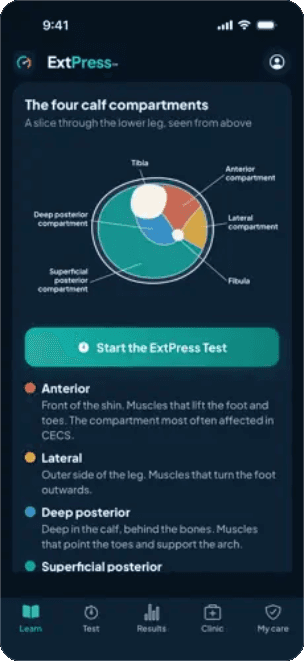
What CECS is, the symptoms and how it is investigated, in short articles and videos.
A guided exercise test you run at home with a pen and a tape measure.
Charts of how your pain settles and how much your calf changes, test by test.
How to arrange MRI, blood tests, consultation and pressure testing.
Your compartment pressure readings, explained, once the team gives you a code.
The ExtPress test
Your exercise and pain diary
The guided test lets you start and stop an activity, record the exercise performed and log the exact point when pain begins. You record the severity of pain and re-measure at set times after stopping, then compare tests over time in clear charts.
If you prefer not to use the app, simple notes about time, distance, intensity and the response to rest can still help you prepare for a clinical conversation.
Before you start
Check you have a pen and a tape measure. A blood pressure monitor is optional.
Mark and measure
Mark both legs at set points above and below the knee and record each measurement.
Exercise until it stops you
Run, walk or train as you normally would. When the pain stops you, tap Stop.
Rate and re-measure
Rate your pain and measure your calf straight away.
Repeat up to 10 minutes
A chime and vibration remind you when each check is due. You can close the app and carry on.
Both legs, every time
Separate measurements for each leg
The app records the same points on each leg, before and after exercise, so the two sides can be compared.
Measurements and ratios support assessment; they do not establish a diagnosis.
- Calf circumference and thigh circumference.
- Leg length and thigh length.
- Before- and after-exercise measurements.
- Separate entries for the left and right leg.
- Thigh-to-calf ratios and changes after exercise, calculated from submitted measurements.
My care
Reviewed clinical records during your pathway
A locked clinical section opens when you enrol in the clinic pathway, using an activation code the team gives you after your compartment pressure test. Your readings appear in the same table the clinician fills in, with the key findings explained. Further reviewed records are added as they become available.
You can enter the clinic pathway directly without using ExtPress™.
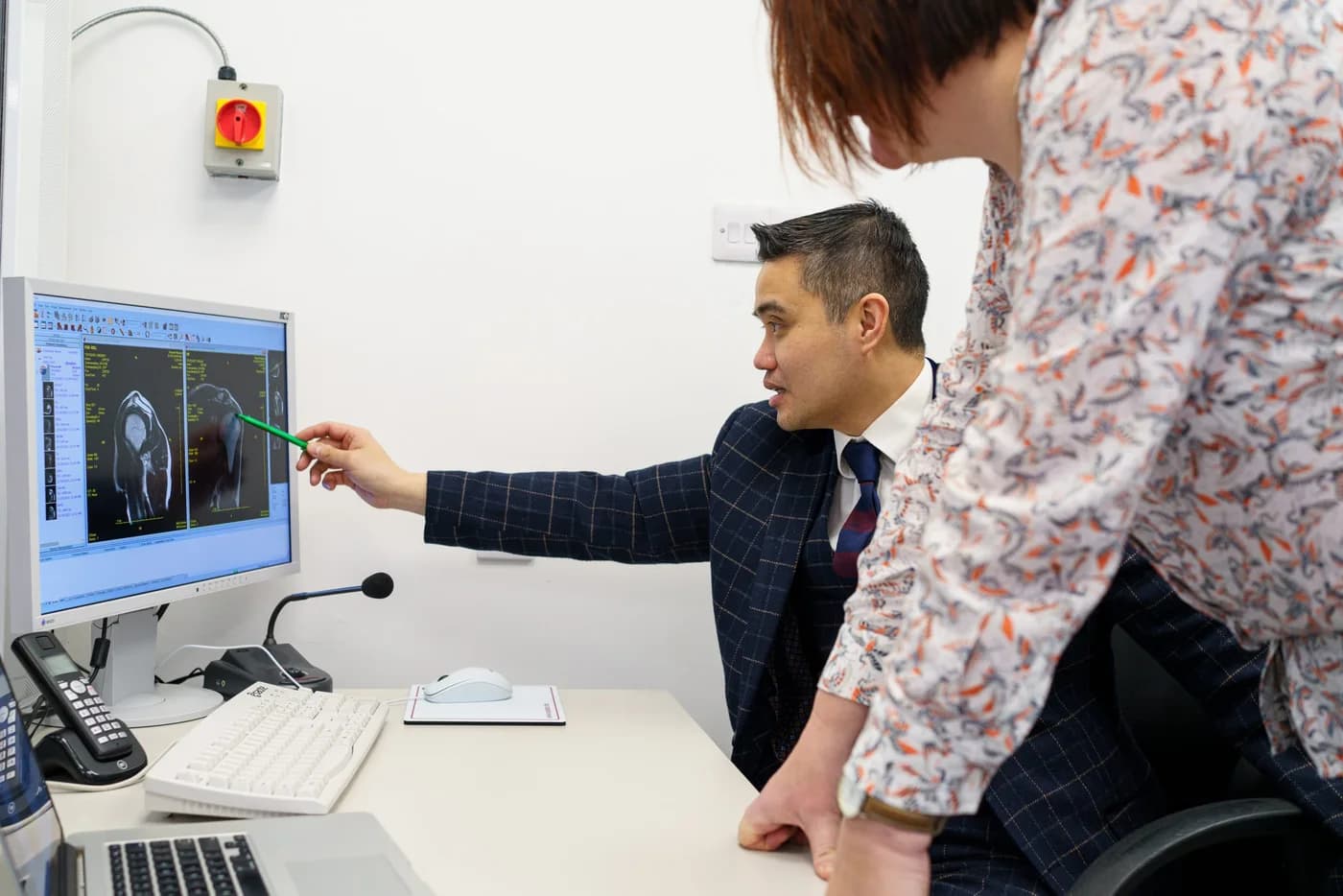
Get ExtPress, or go straight to the clinic.
The app is free and needs no account to run the test. You can arrange an assessment with Professor Lee either way.
Common questions
Can I download ExtPress™ now?
Yes. ExtPress™ is free on the App Store for iPhone and iPad (iOS 16.4 or later). Account activation for the clinical section comes from the clinic team after your pressure test, not from this website.
Do I need the app to arrange an assessment?
No. The clinic team can arrange your pathway directly. You can start with the symptom questionnaire and bring ordinary exercise and symptom notes.
Will measurements in the app diagnose CECS?
No. The diary, measurements and calculated ratios support the clinical assessment. Professor Lee interprets your symptoms, examination and investigation findings together.